Updating Asset Fields
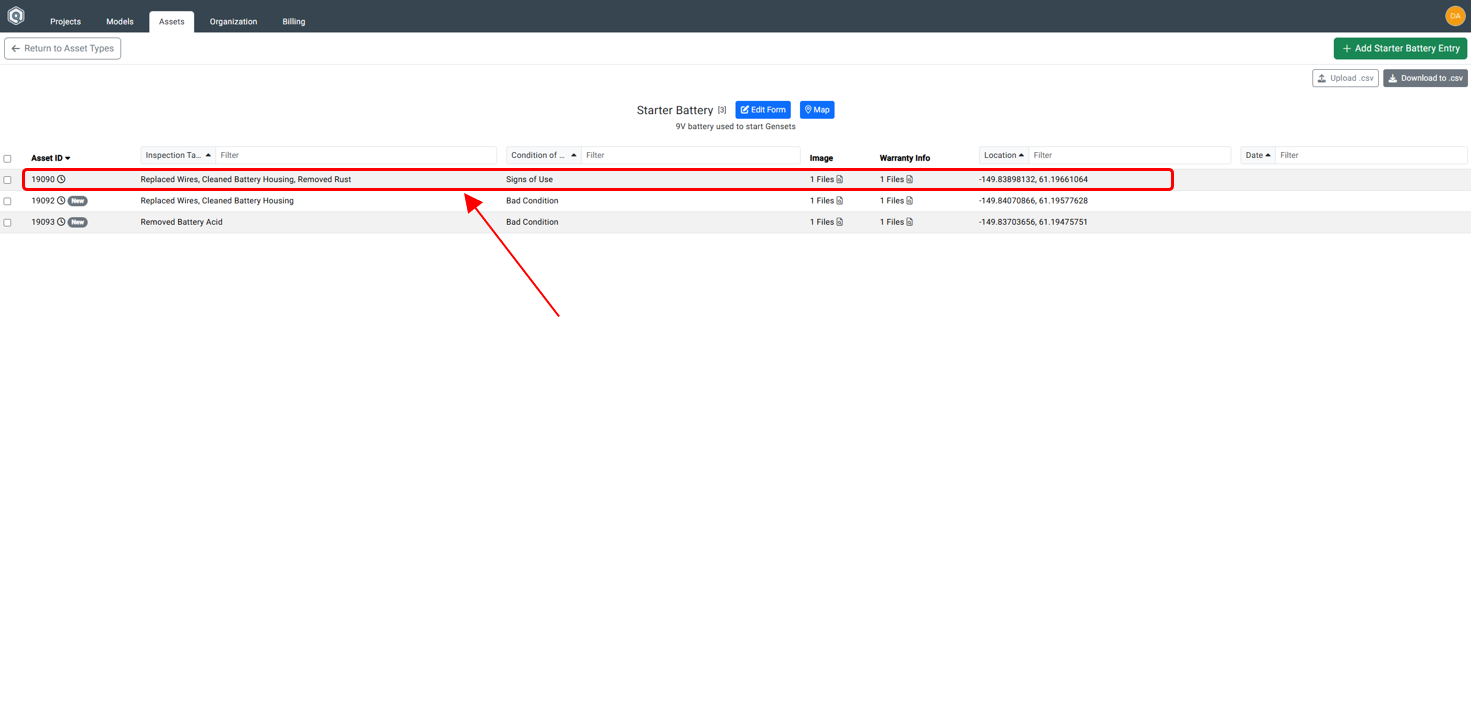
Step 1: Click on Asset
Click on the asset from the list within the Asset Manager.
Step 2: Edit Asset Dialog Box
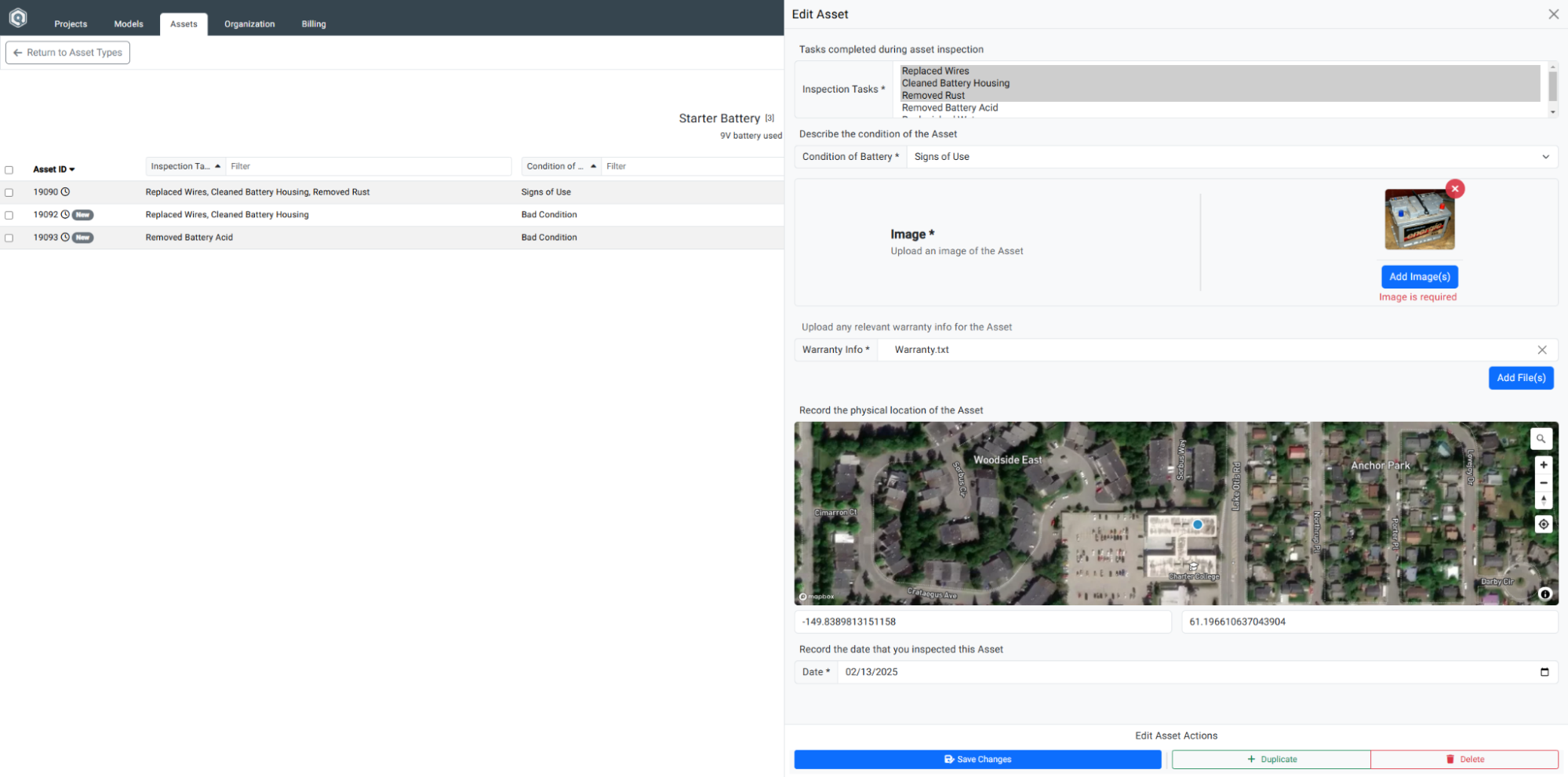
The Edit Asset Dialog box appears.
Step 3: Click Save Changes
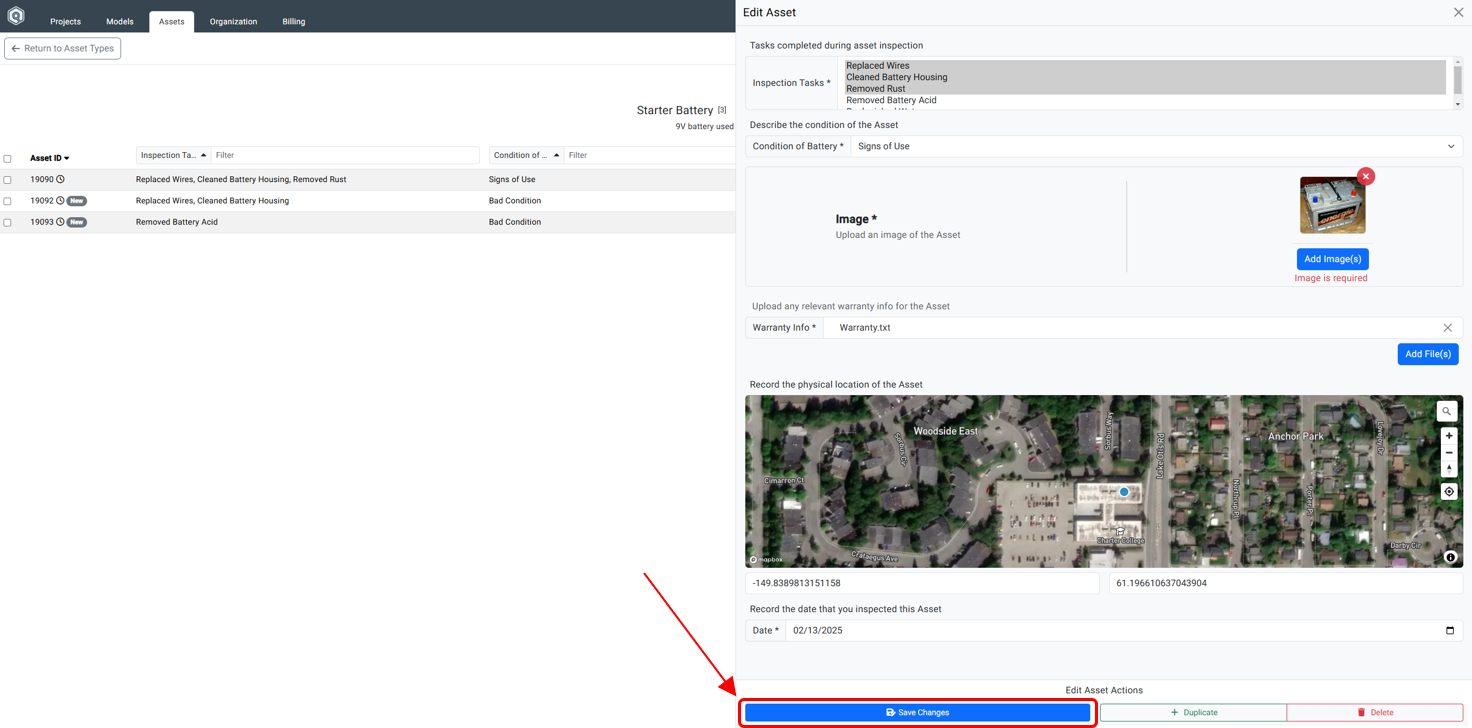
Once changes are made, click Save Changes.
Step 4: Confirmation of Update
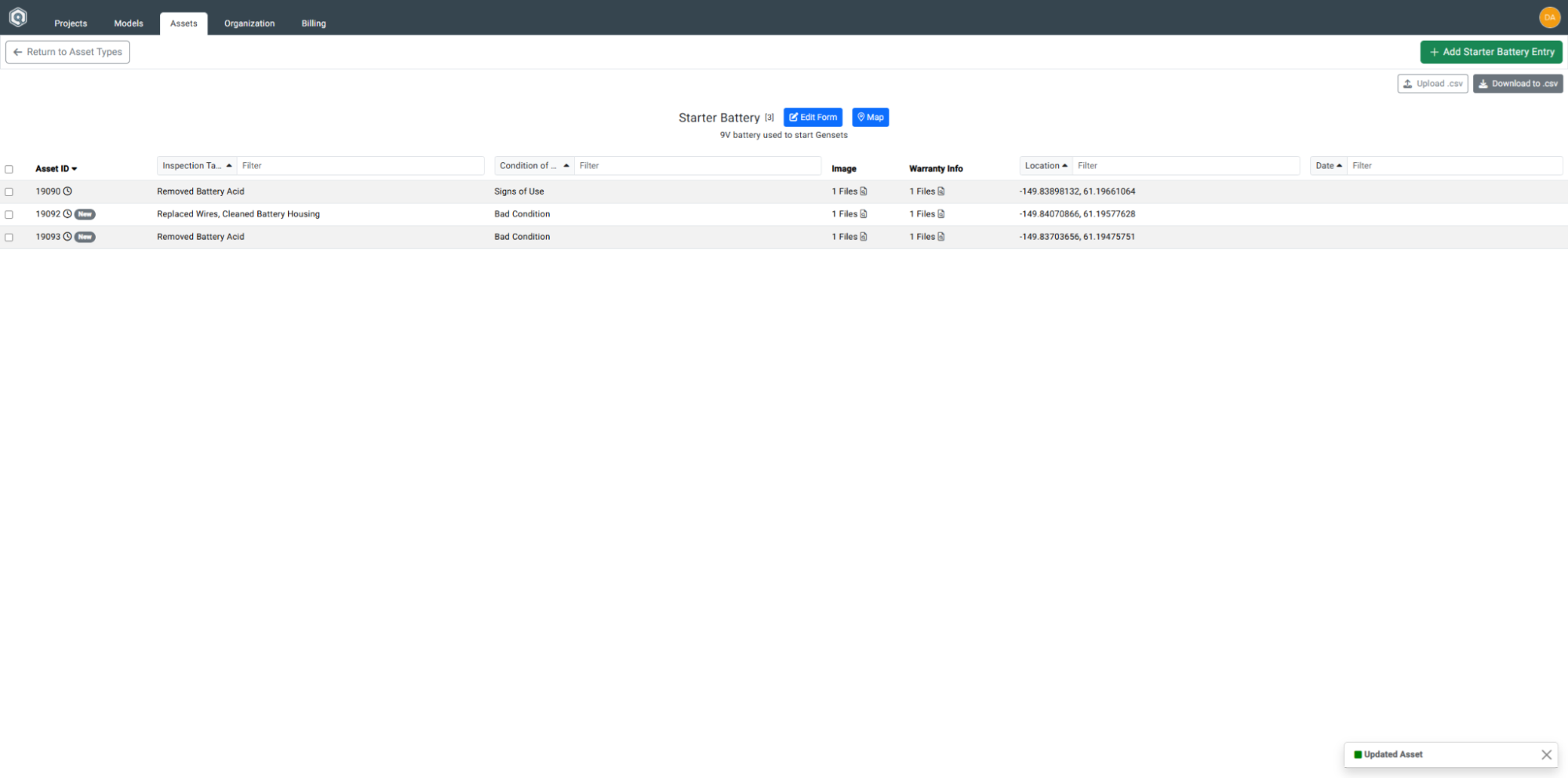
A confirmation message will appear in the bottom right corner.